How to use Murf AI?

Are you tired of making voiceovers the hard way?
Murf AI makes it easy. This cool text-to-speech tool saves you time and money.
With Murf AI, making voiceovers is quick.
It makes voices sound real and interesting. It's great for videos, podcasts, or audiobooks.
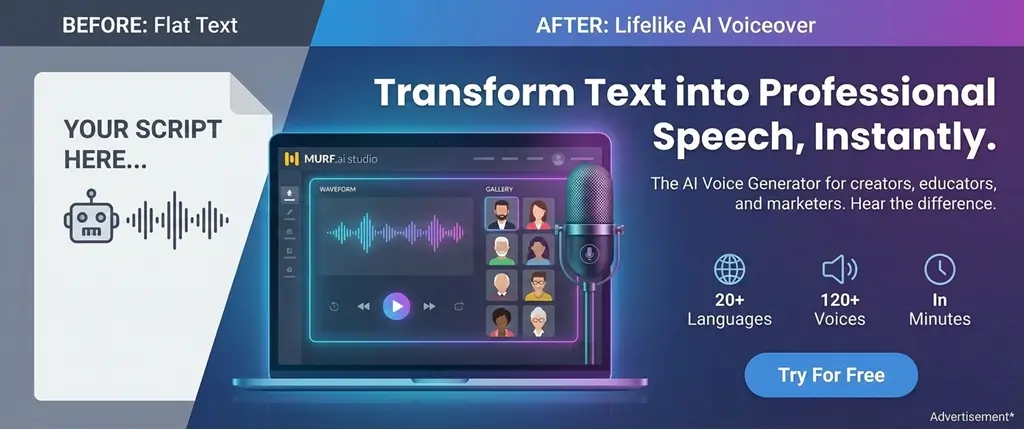
Key Takeaways
- Discover the benefits of using Murf AI for your voiceover needs.
- Learn how to create high-quality voiceovers in minutes.
- Explore the features that make Murf AI a powerful text-to-speech tool.
- Understand how Murf AI can save you time and cost.
- Get started with Murf AI and revolutionize your voiceover creations.
Getting Started with Murf AI
Starting your Murf AI journey is easy. It opens up a world of voiceover options. First, create an account and set up your profile. This is the first step to a great experience with Murf AI.
Creating an Account
Signing up for Murf AI is simple. Go to the Murf AI website, click "Sign Up," and fill out the form. You'll need to give your name, email, and a password. Make sure your password is strong and unique for better security.
After signing up, you'll get a verification email. Click the link in the email to activate your account. This step is key to keeping your account safe and easy to recover if you forget your password.
Setting Up Your Profile
After verifying your account, set up your profile. Add details like your company name, role, and how you'll use Murf AI. This helps Murf AI customize their services for you.
- Give accurate info about your business or personal brand.
- Tell Murf AI how you plan to use it, like for videos or audiobooks.
- Check out settings to customize your experience, like notifications.
By doing these steps, you're ready to use Murf AI's benefits. It's known for its Murf AI integration and quality. It's great for making your videos sound better or creating audiobooks. As you use the platform, you'll learn more about its features and how to use them in your work.
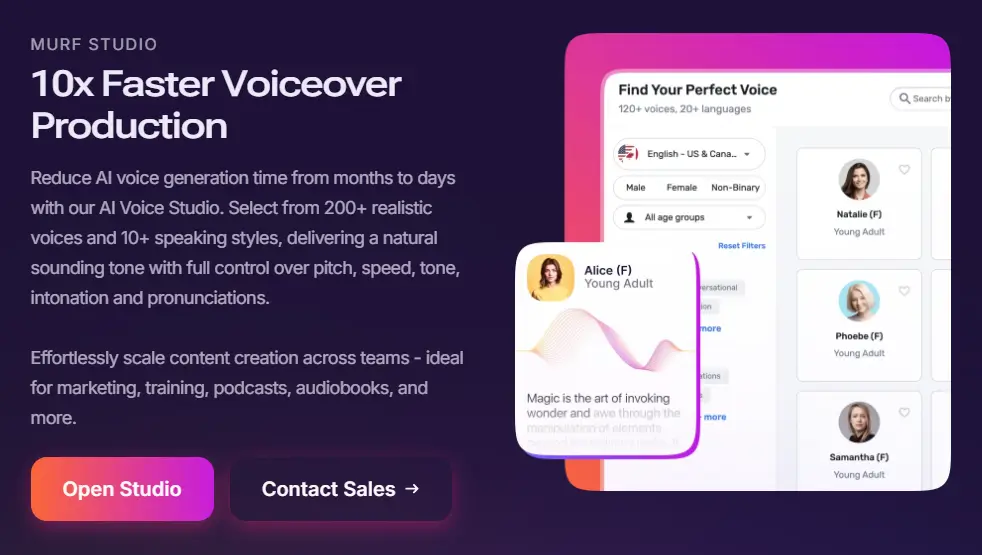
Navigating the Murf AI Dashboard
Welcome to the Murf AI dashboard. It's your center for making amazing voiceovers. Here, you'll find all the tools you need for top-notch audio content. Let's explore what's available.
Key Features at a Glance
The Murf AI dashboard has many features to help you create voiceovers easily. Some key features include:
- Voice Library: Pick from a wide range of voices for your project.
- Script Editor: Import and edit scripts to make them sound natural and engaging.
- Customization Options: Adjust your voiceover to fit your brand, from speed to emphasis.
These Murf AI features let you control your voiceovers. This way, you can create content that really connects with your audience.
Customizing Your Dashboard
The Murf AI dashboard is very flexible. You can change its layout and settings to fit your work style. This makes it easier to focus on creating great voiceovers.
By checking out the Murf AI capabilities, you'll learn how to use it best. And if you want to see how it works, try the Murf AI demo.
How to Create a Voiceover
Murf AI makes creating voiceovers easy for everyone. You can use it to make your videos better, create audiobooks, or add a pro voice to your presentations.
When considering Murf AI cost, remember it's affordable and offers great value. To get the most out of it, choose a plan that fits your needs and budget.
If you're looking to try Murf AI without upfront costs, check out the Murf AI free version which provides basic features for beginners.
Choosing the Right Voice
First, pick the right voice. Murf AI has many voices to choose from. Each voice has its own sound and style.
- Look through Murf AI's voice library. You can filter by age, gender, and accent.
- Listen to voices to find the perfect one.
- Think about your content and who you're talking to.
For example, a young, lively voice is great for kids' videos. A more serious voice is better for business talks.
Exploring Murf AI voices can help you find options that match your project's tone perfectly.
Trying different languages? Learn about Murf AI languages to expand your reach globally.
Importing Your Script
After picking your voice, add your script. You can type it in or upload it from different formats. Here's how to get your script ready:
- Make sure your script is clear and correct.
- Use punctuation to control how fast and how the voice sounds.
- Include notes for the AI if you need to.
For a murf ai tutorial, remember that your script's quality matters. So, take your time to write a good script.
Editing and Fine-tuning
After adding your script, you can edit and tweak the voiceover. Murf AI's tools let you change speed, pitch, and volume. Here are some murf ai examples of edits you can make:
- Change the speed to match your video or audio.
- Adjust the pitch to sound more natural or to show emotion.
- Make sure the volume is the same all the way through.
Using these tools, you can make a top-notch voiceover. For more on murf ai review, check out what others say and compare it with other tools.
In short, making a voiceover with Murf AI is simple. Just pick a voice, add your script, and edit it. With a little practice, you'll make great voiceovers fast.
If you're unsure about the safety and legitimacy, read more about is Murf AI safe to ensure it meets your standards.
For commercial projects, discover Murf AI commercial use guidelines to use it effectively in your business.
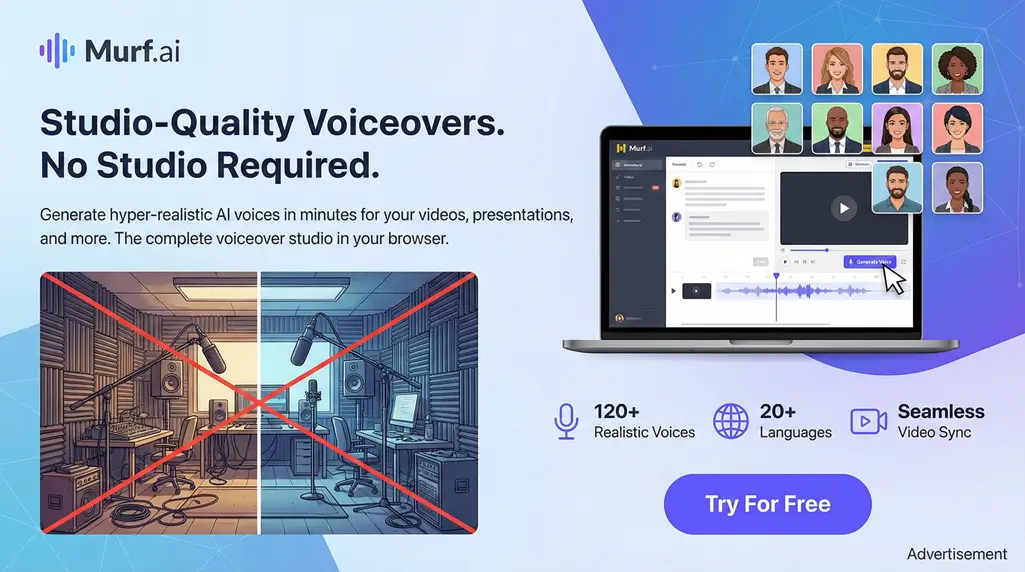
Utilizing Text-to-Speech Capabilities
Discover how Murf AI can change your voiceover game. It turns written words into real-sounding speech. This is great for creators, marketers, and teachers. It's not just text-to-speech; it's making voiceovers that grab your listeners' attention.
Benefits of Text-to-Speech
Murf AI's text-to-speech tech has many perks:
- Increased Efficiency: Make voiceovers faster, saving time and effort.
- Flexibility: Change voiceovers for different situations or people.
- Accessibility: Reach more people, including those who can't see well.
Murf AI lets you make top-notch voiceovers easily. You don't need fancy gear or special voices.
Tips for Effective Text Input
To get the most from Murf AI, keep these tips in mind:
- Be Clear and Concise: Write in a simple, clear way.
- Use Proper Punctuation: Right punctuation helps the AI get the speech flow right.
- Adjust Pronunciations: Use special spellings or guides for tricky words.
By using these tips, you can make your voiceovers sound better. Your listeners will enjoy them more.
Integrating Murf AI with Other Tools
Murf AI gets even better when you use it with other tools. This makes your work easier and faster. It's great for making content or doing tasks automatically.
Supported Platforms and Software
Murf AI works well with many apps. It's good with tools for marketing and getting things done. Here are some examples:
- Marketing Automation Tools: Use Murf AI to make voiceovers for your ads.
- Video Editing Software: Add Murf AI to your video tools for pro voiceovers.
- Learning Management Systems (LMS): Make your online classes more fun with Murf AI.
This means you can use Murf AI with what you already do without any trouble.
Step-by-Step Integration Guide
Adding Murf AI to your tools is easy. Here's how to start:
- Choose Your Platform: Pick the tool you want to use with Murf AI.
- Authenticate Your Account: Link your Murf AI account to the tool.
- Configure Settings: Make sure everything works well together.
- Test the Integration: Check that Murf AI and your tool work together smoothly.
By doing these steps, you can make Murf AI integration work better for you. It helps you make more content or work faster. Using Murf AI with other tools is a smart move.
Tips for Maximizing Your Experience
When you start using Murf AI for AI voiceovers, some tips can really help. It's important to know how to make great voiceovers and what mistakes to avoid.
Best Practices for Voiceover Creation
Start by choosing the right voice for your project. The voice you pick sets the mood for your video, ad, or educational piece.
- Try out different voices to find the perfect match for your content.
- Adjust the pace and tone to fit your story better. Murf AI lets you do this.
- For a personal touch, customizing pronunciation of certain words can make your brand stand out.
By following these tips and using Murf AI's features, you can make your voiceovers better. For more tips and help, check out Murf AI's resources. It's like a special tutorial just for you.
Common Mistakes to Avoid
Even with Murf AI, there are mistakes to watch out for. One big one is not using the platform's full range of options.
- Don't skip proofreading your script. A small mistake can change everything.
- Don't forget to contextually customize your voiceover. Murf AI has many ways to help you do this.
Knowing these mistakes and avoiding them can make your voiceovers better. For examples and tips, the Murf AI community and resources are great. They offer murf ai examples and more.
To get the most out of Murf AI, learn what it can do and use best practices. This way, you can use murf ai benefits to make your projects shine and reach your goals.
Understanding Pricing and Plans
Murf AI has many pricing plans for different users. Whether you're a solo creator or a big company, there's a plan for you.
Subscription Options Overview
Murf AI's pricing is flexible and fits many needs. The plans range from basic to advanced. Here's what you can get:
- Basic Plan: Great for individuals or small projects. It has the basics to start with Murf AI.
- Pro Plan: For more advanced features and higher limits, the Pro Plan is better. It also includes priority support.
- Enterprise Plan: Big businesses get the Enterprise Plan. It has custom solutions, dedicated support, and more.
Each plan offers value at different levels. You can pick the one that fits your budget and goals.
Choosing the Best Plan for Your Needs
Choosing the right Murf AI plan depends on your budget, needed features, and usage. Here are tips to help:
- Assess Your Needs: First, know what you need from Murf AI. Do you just need basic text-to-speech, or more advanced stuff?
- Compare Plans: After knowing your needs, look at the plans. Check the features, limits, and support.
- Consider Scalability: Think about your future needs. If you might need more, choose a plan that's easy to upgrade.
By looking at your options and understanding each plan's benefits, you can pick the best Murf AI plan. It will help you work better.
Troubleshooting Common Issues
Having trouble with Murf AI? You're not alone. Many users face challenges, but help is easy to find. We'll help you with voiceover creation and dashboard issues.
Frequently Asked Questions
Check our FAQ section first. It answers common questions about Murf AI. You'll find help on setting up and fine-tuning voiceovers. Our FAQ might solve your problem fast.
Reaching Out for Help
If our FAQ doesn't help, our customer service team is ready to assist. You'll get quick and helpful answers. Contact us by email or chat for a smooth experience with Murf AI. For more info, visit our Murf AI Customer Service page.

Address
c/o Postflex #586
Emsdettener Straße 10
48268 Greven
Germany

If you click on them and make a purchase, I may receive a small commission.
The price remains exactly the same for you. Thank you for your support!