How Do Whiteboards and Mind Maps Work in ClickUp?

Are you ready to unlock the full ClickUp's innovative tools can help?
You can turn complex ideas into tasks quickly!
Imagine a workspace where creativity meets productivity.
That's what you get with Whiteboards and Mind Maps in ClickUp.
They let you see your ideas, work together with your team, and keep up with your projects.

By using Whiteboards and Mind Maps, you can boost your productivity.
You'll reach your goals faster. In this article, we'll show you how these tools work together to help you succeed.
Key Takeaways
- Discover how ClickUp's Whiteboards and Mind Maps can enhance your productivity.
- Learn how to visualize complex ideas and turn them into actionable tasks.
- Understand the benefits of combining these tools for better project management.
- Explore how ClickUp's tools can improve team collaboration.
- Get insights into achieving your goals more efficiently with ClickUp.
Overview of ClickUp's Whiteboard Feature
If you want to deepen your understanding of how ClickUp basics fit into your workflow, it's worth exploring its foundational features.
This comprehensive guide provides essential insights for beginners new to the platform.
Building on that knowledge, ClickUp's Whiteboard feature becomes even more powerful in practice.
Imagine a digital canvas for your team to brainstorm and plan together.
That's what ClickUp's Whiteboard feature is. It's an online whiteboard that changes how teams work together.
ClickUp Whiteboards are great for teams to map out ideas and projects.
They are different from other tools because they use pictures and diagrams. This makes it easier to share ideas and understand plans.
What is ClickUp Whiteboard?
ClickUp Whiteboard is a digital space for teams to share ideas.
It's a key part of productivity software that helps teams brainstorm and plan.
They can all work on the same canvas at the same time.

Teams can use sticky notes, draw, and add pictures on Whiteboards.
This makes it easy to share complex ideas in a simple way. It's a great tool for teams to work better together.
Key Benefits of Using Whiteboards
Using ClickUp Whiteboards has many benefits. Here are some of the main ones:
- Enhanced Collaboration: Whiteboards let teams work together in real-time. Everyone can see and add to ideas.
- Improved Visualization: Whiteboards make it easier to see complex projects and workflows. This helps teams understand better.
- Increased Productivity: Teams can brainstorm, plan, and organize projects all in one place. This makes work more efficient.
Use Cases for Whiteboards in Teams
ClickUp Whiteboards are useful in many ways for different teams. Here are some examples:
- Brainstorming Sessions: Whiteboards are great for brainstorming. They help capture and organize ideas.
- Project Planning: Use Whiteboards to plan projects. Map out tasks, deadlines, and who's doing what.
- Workflow Visualization: See how tasks flow and find where things might slow down. This helps improve workflows.
By using ClickUp's Whiteboard, teams can work better together. It's a powerful collaboration tool in productivity software.
Exploring ClickUp Mind Maps
To further enhance team efficiency, check out ClickUp collaboration features that integrate seamlessly with Mind Maps.
These tools allow real-time input from multiple users, boosting creativity.
With this synergy, Mind Maps become an even more dynamic part of project planning.
Imagine a tool that turns complex ideas into plans.
That's what ClickUp Mind Maps do.
They help you organize your thoughts and projects, making it easier to reach your goals.
Mind Mapping Defined
ClickUp Mind Maps are a visual tool for teams.
They help with brainstorming, planning, and making roadmaps. You can map out ideas and tasks easily with ClickUp.
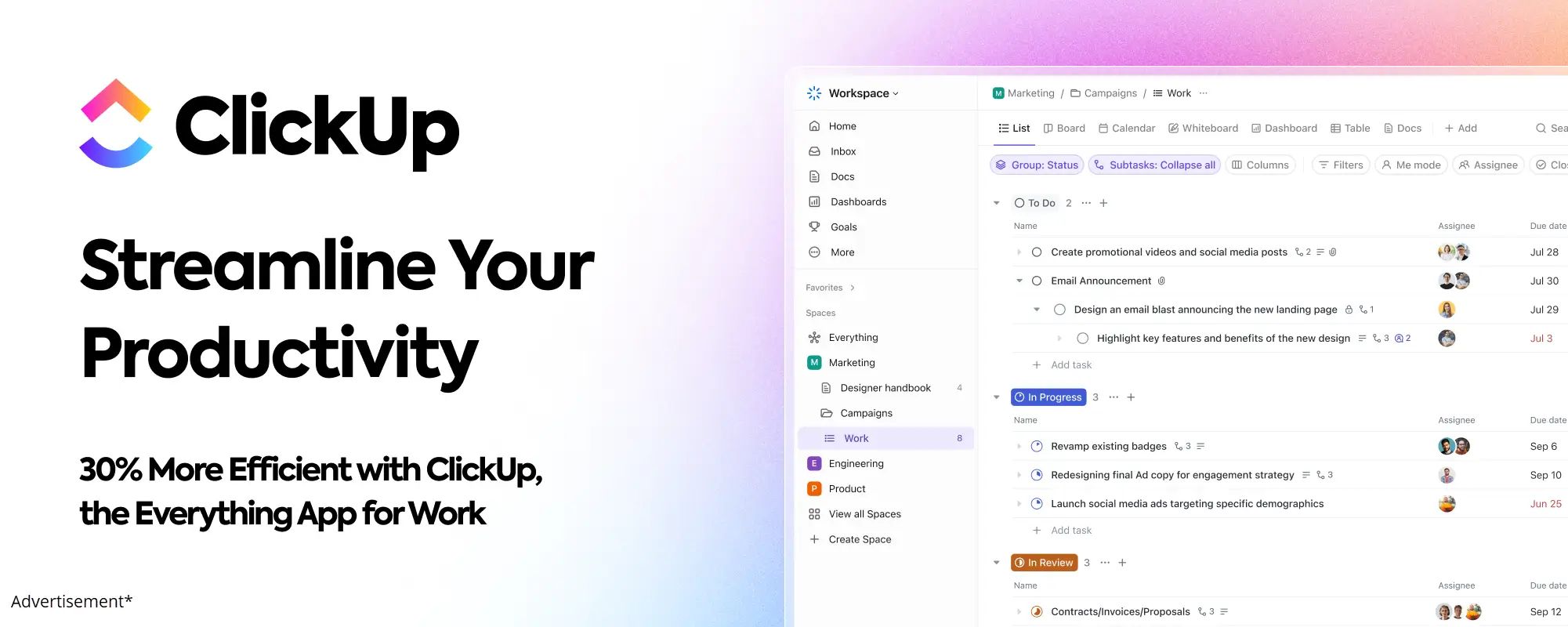
This makes complex projects simpler to handle.
Benefits of Mind Maps
Using Mind Maps in ClickUp has many benefits. They include:
- Enhanced visualization of project plans
- Improved collaboration among team members
- Increased productivity through better organization
These benefits help teams work better and achieve their goals.
Applications for Mind Maps
Mind Maps are useful in many ways. They can be used for:
- Project planning and management
- Brainstorming sessions
- Creating detailed roadmaps for product launches or marketing campaigns
ClickUp Mind Maps fit any team's needs. They support agile project management and improve task management.
Getting Started with ClickUp Whiteboards
Starting with ClickUp Whiteboards is simple. We'll show you how. These tools are great for working together and getting things done faster.
Creating Your First Whiteboard
To start, go to the Whiteboards section in your ClickUp account. Click the "New Whiteboard" button. Then, add shapes, text, and images to share your ideas.
Here's how to begin:
- Choose a template or start from scratch
- Add shapes, text, and images to your whiteboard
- Use the toolbar to customize your elements
- Save your whiteboard and share it with your team
Tools and Features Available
ClickUp Whiteboards have many productivity software features. They make working together easy. Some key features are:
- Real-time commenting and @mentions
- Drag-and-drop functionality for easy organization
- Integration with other ClickUp tools, such as tasks and projects
- Customizable templates for various use cases
These features help you create an online whiteboard that fits your team's needs.
Collaborating with Team Members
Collaboration is key with ClickUp Whiteboards. Invite team members to edit your whiteboard live. This makes brainstorming and working together easy.
Here are some tips for working well together:
- Use @mentions to draw attention to specific team members
- Leave comments to provide context and feedback
- Use the chat feature for quick discussions
- Track changes to see who's made edits and when
By following these steps and using the available features, you can make the most of ClickUp Whiteboards. This will help your team work better together.
How to Create Mind Maps in ClickUp
ClickUp's mind mapping tool lets you organize projects and tasks in a way that feels right. It helps you brainstorm and connect ideas. This makes managing big projects easier.
If you're looking to integrate advanced ClickUp task management within your Mind Maps, it's straightforward.
This approach allows you to assign responsibilities directly from mapped out ideas.
Combining these elements streamlines your project processes significantly.
Step-by-Step Guide to Making Mind Maps
Making a mind map in ClickUp is easy. Here's how to start:
- Click on "Mind Map" when you create a new task or project.
- Put a central idea or concept in your mind map.
- Use the "+" icon to add branches for related ideas or subtopics.
- Change the layout, colors, and fonts to customize your mind map.
By following these steps, you can make a mind map that shows your ideas well. It helps you stay organized.
Incorporating Elements into Mind Maps
ClickUp's mind mapping tool lets you add different elements. This makes your mind maps more interesting and useful. You can add:
- Shapes and Icons: Use shapes and icons to show different ideas or tasks.
- Images and Files: Attach images or files to your mind map branches.
- Links and Tasks: Link your mind map to tasks or projects in ClickUp.
These elements make your mind maps clearer and more useful. They are great for planning projects and managing tasks.
Tips for Effective Mind Maps
To use ClickUp's mind mapping feature well, follow these tips:
- Make your central idea short and clear.
- Use clear labels for your branches.
- Try different layouts and colors to make your mind map look good.
- Update your mind map often to show changes in your project or task list.
By using these tips, you can make mind maps that help you stay organized. They keep you focused on your goals.
Integrating Whiteboards with Other ClickUp Tools
Make your team work better by linking Whiteboards with ClickUp tools. ClickUp is a top project management tool. It lets you connect Whiteboards with Tasks, Docs, and more. This makes your work flow smoothly and boosts your team's productivity.
Linking Whiteboards with Tasks turns ideas into real actions. Ideas on the Whiteboard can become Tasks. This keeps your team on track. "ClickUp's Whiteboard feature is amazing because it links ideas to actions," says a happy ClickUp user.
Connecting Whiteboards to Tasks
To link a Whiteboard to a Task, just make a new Task from the Whiteboard. You can then give it to team members, set deadlines, and track it. This keeps your team's ideas in line with your project's goals.
- Create Tasks directly from Whiteboard elements
- Assign Tasks to team members and set deadlines
- Track Task progress within the context of your Whiteboard
Utilizing Whiteboards in Project Management
Whiteboards change the game in project management. They help teams see project plans, find problems, and work together on solutions. Using Whiteboards with ClickUp's Task features keeps your projects on track.
You can use a Whiteboard to show a project's flow, with key steps and what needs to happen first. This visual plan helps make Tasks and assign them to team members.
Enhancing Productivity with Integrations
Integrating Whiteboards with ClickUp tools boosts your team's productivity software power. For example, you can link Whiteboards to Docs. This creates a detailed record that supports your project's goals.
"The integration of Whiteboards with Docs and Tasks has revolutionized our workflow. We're now more efficient and collaborative than ever." - ClickUp User
This integration helps teams work together better. It makes sure everyone knows what to do and works towards the same goals.
Best Practices for Using Whiteboards
To get the most from ClickUp Whiteboards, teams should follow best practices. This makes your online whiteboard a strong collaboration tool that helps you succeed.
To explore more about ClickUp pricing plans, consider how they align with your team's needs.
Different plans offer varying levels of access to advanced features like unlimited Whiteboards.
This knowledge ensures you choose the right setup for optimal collaboration.
Tips for Effective Collaboration
Good teamwork is key for any project. Here are tips for using ClickUp Whiteboards well:
- Speak clearly to avoid mistakes.
- Give tasks and track them on the whiteboard.
- Let everyone share their thoughts.
- Use comments to talk more.
These steps help your team work better together. They make the most of ClickUp's productivity software.
Ensuring Clarity and Engagement
Being clear and keeping everyone interested is important. Here's how to do it:
- Organize your whiteboard with sections and labels.
- Use pictures and diagrams for hard ideas.
- Don't write too much to focus on the important.
- Keep your whiteboard up to date.
By keeping your whiteboard clear and fun, you keep your team's attention. This makes your online whiteboard a great collaboration tool.
Customizing Your Whiteboard Experience
Customizing your ClickUp Whiteboard is important. Here's how to make it fit your team:
- Choose templates that match your project.
- Make your whiteboard look like your company.
- Try different layouts to find what works best.
- Link your whiteboard with other ClickUp tools to make things easier.
By customizing your whiteboard, you make it a productivity software that's both useful and fun. This boosts your team's productivity.
Optimizing Mind Maps for Brainstorming
Make your team's creative spark shine by using Mind Maps for brainstorming. These tools help teams share and organize ideas in a fun, visual way.
Techniques for Effective Idea Generation
For better brainstorming, try free writing or SCAMPER. SCAMPER stands for Substitute, Combine, Adapt, Modify, Put to Another Use, Eliminate, and Rearrange.
- Start with a central idea and branch out to related concepts.
- Use different colors and images to spark creativity.
- Encourage wild and ambitious ideas – they might just spark something brilliant!
Edward de Bono, a creativity expert, said, "The quality of your thinking determines the quality of your life." Let's make our brainstorming sessions count!
"The best way to get a good idea is to get a lot of ideas." – Linus Pauling
Organizing Thoughts with Mind Maps
Mind Maps are great for organizing ideas too. They help you:
- Identify key themes and patterns.
- Group related ideas together.
- Prioritize tasks and create a clear plan of action.
With a mind mapping tool like ClickUp, organizing is easy. You can drag and drop elements, add tasks, and assign responsibilities. It's perfect for agile project management.
Encouraging Team Participation
Brainstorming is a team effort. Mind Maps help everyone contribute. Here's how to get everyone involved:
- Invite all team members to contribute to the Mind Map.
- Use real-time commenting and @mentions to discuss ideas.
- Make sure everyone has a chance to share their thoughts and ideas.
By using Mind Maps for brainstorming and task management, you'll boost your team's collaboration and idea generation.
Examples of Whiteboards in Action
ClickUp Whiteboards are amazing in real life. We're excited to share some examples with you. They help teams work better together and get more done. Let's look at some stories where Whiteboards made a big difference.
Real-Life Use Cases and Scenarios
ClickUp Whiteboards are used in many places. Marketing teams use them to plan campaigns. Product teams use them to map out product plans.
A software company used Whiteboards for a big project. They made a Whiteboard to see the project timeline and tasks. This helped them find problems early and fix them, so they finished on time.
Key benefits of using ClickUp Whiteboards include:
- Enhanced collaboration among team members
- Improved visualization of project plans and ideas
- Increased productivity through streamlined workflows
Success Stories from Teams
Many teams have seen big improvements with ClickUp Whiteboards. A design team at an ad agency used Whiteboards for new campaign ideas. The Whiteboard helped them share and build ideas, leading to a great campaign.
"ClickUp Whiteboards have revolutionized our brainstorming sessions. We can now visualize our ideas and collaborate more effectively, leading to better outcomes." -
Insights from ClickUp Users
ClickUp users love Whiteboards. One user said Whiteboards keep their team organized and focused.
Another user likes how flexible Whiteboards are, for meeting notes or project planning.
These examples show ClickUp Whiteboards are great for teams. They help with planning, brainstorming, or just need a place to work.
ClickUp Whiteboards can help you reach your goals.
Tips for Combining Whiteboards and Mind Maps
Make ClickUp better by mixing Whiteboards and Mind Maps. This combo boosts productivity. It makes teamwork better and project management smoother.
Synergizing Whiteboards and Mind Maps
Whiteboards and Mind Maps work great together in ClickUp. They help teams brainstorm and plan projects well. Whiteboards are good for starting ideas. Mind Maps organize those ideas.
Benefits of Combining Both Tools:
- More creativity from visual brainstorming on Whiteboards
- Clear organization of ideas with Mind Maps
- Easy move from ideas to planning
Choosing Between Whiteboards and Mind Maps
Knowing when to pick Whiteboards or Mind Maps is key. Whiteboards are best for free brainstorming and team planning. Mind Maps are great for sorting out complex info.
Use Whiteboards for:
- Brainstorming sessions
- Collaborative planning
- Visual project starts
Use Mind Maps for:
- Organizing project structures
- Listing tasks and subtasks
- Seeing project timelines
Creating Cohesive Workflows
Start with brainstorming on a Whiteboard. Then, move to a Mind Map to sort your ideas. Use ClickUp to make your Mind Map into tasks.
Steps to a Cohesive Workflow:
- Brainstorm on a Whiteboard
- Organize ideas into a Mind Map
- Turn Mind Map nodes into tasks in ClickUp
- Keep track of progress and adjust as needed
By using these tips, you can make your team more productive. This makes ClickUp a top project management tool and productivity software for you.
Conclusion: Leveraging ClickUp for Creative Collaboration
ClickUp's Whiteboards and Mind Maps are great for team work.
They help make your team more creative and efficient. Using these tools can change how you work for the better.
Maximizing Your Team's Potential
ClickUp Whiteboards are perfect for new ideas.
Mind Maps help organize your thoughts. Together, they make a strong team tool.
Continuing Your ClickUp Journey
Explore more of ClickUp to improve your work.
Adding new features can make your workflow better. This helps you reach your goals faster.
ClickUp Whiteboards & Mind Maps help you handle big projects.
Use them today to make your team better and succeed.

Address
c/o Postflex #586
Emsdettener Straße 10
48268 Greven
Germany

If you click on them and make a purchase, I may receive a small commission.
The price remains exactly the same for you. Thank you for your support!