How Can Different Industries Use ClickUp Successfully?

Are you tired of using many tools for your projects?
ClickUp is here to make things easier!
It's a flexible project management tool for teams of all sizes.
Imagine having all your tasks, deadlines, and team in one spot.
With ClickUp's easy-to-use interface, managing your projects gets simpler.
It works well for marketing, sales, or IT teams, making your work flow better and helping you reach your goals.
For a deeper dive into ClickUp's core features, check out this introduction to ClickUp guide.
It covers everything from setup to basic functions, making it easy for beginners.
This resource is perfect for teams just starting with the tool.
Key Takeaways
- ClickUp is a versatile project management platform for teams of all sizes.
- It offers a one-stop solution for managing tasks, deadlines, and team members.
- ClickUp's intuitive interface boosts productivity and streamlines workflow.
- It's adaptable to various industries, including marketing, sales, and IT.
- ClickUp helps teams achieve their goals by simplifying project management.
Introduction to ClickUp and Its Versatility
ClickUp is changing how we manage tasks. It has a simple design and lots of strong features. It helps make work better in many areas.
ClickUp has many tools to help teams work better. It has features for managing tasks, working together, and making workflows your own. This helps teams in any field work better.
ClickUp is great because it fits many needs.
It works for marketing, building, coding, or any other job. It helps businesses work smoother and faster.
Using ClickUp brings many benefits. Here are a few:
- Enhanced Collaboration: ClickUp helps teams work together, no matter where they are.
- Streamlined Task Management: It lets businesses organize tasks, set deadlines, and see progress live.
- Customizable Workflows: ClickUp can be changed to fit your business needs, making work more efficient.
Benefits of ClickUp Across Multiple Industries
ClickUp makes teamwork better in many fields. It helps teams work together smoothly. This makes work faster and better.
If you're looking to manage tasks effectively, explore this ClickUp task project guide.
It provides practical tips for organizing projects and assigning tasks.
Teams can see how it improves efficiency across different roles.
Enhanced Collaboration and Communication
ClickUp has cool tools like comments and chat.
These help teams talk easily. They make sure everyone knows what's going on.
Its chat lets teams talk right away. This helps solve quick problems. It keeps everyone focused on their work.
- Centralized discussion forums for tasks
- Instant messaging for quick queries
- File sharing for collaborative work
Streamlined Task Management
ClickUp makes managing tasks easy. It helps teams do more important work. This means less time on boring tasks.
It has great features like:
- Automated task assignments based on predefined rules
- Customizable workflows to fit specific business needs
- Real-time tracking of task progress
These help businesses work better. This leads to great results in many areas.
ClickUp for Project Management in Construction
ClickUp is changing how we manage projects in construction. It makes things simpler and helps teams work better together.
The construction world is complex, with many people involved and tight deadlines.
ClickUp helps manage all these tasks in one place.

For construction teams, improving collaboration is key. Learn more in this ClickUp collaboration guide.
It explains how to set up shared workspaces and communication channels.
This can significantly enhance team coordination on site.
Scheduling and Resource Allocation
Good scheduling and using resources well are key in construction.
ClickUp lets managers plan out tasks and use resources smartly.
It has tools like Gantt charts and calendars to help teams see their work clearly.
Key benefits include:
- Improved task assignment and tracking
- Enhanced resource utilization
- Real-time project scheduling updates
A construction expert says,
"ClickUp has been a game-changer for our project management. We can now easily track progress, identify bottlenecks, and make data-driven decisions."
Many construction companies agree. They've seen their projects get done faster and work better.
Risk Management and Compliance
Construction projects face many risks, like safety issues and following rules. ClickUp helps manage these risks well. It lets teams spot risks, plan how to fix them, and check if they're following rules.
Best practices for risk management in ClickUp include:
- Creating a risk register to track possible risks
- Assigning risk fixing tasks to team members
- Regularly checking and updating the risk register
"The ability to track and manage risks in real-time has significantly reduced our project's risk profile,"
says a construction project manager. With ClickUp, companies can meet and even go beyond what's required. This helps avoid big fines and keeps their reputation strong.
Using ClickUp in Marketing Teams
Marketing teams can change their work with ClickUp. It's a project management tool that makes tasks easier and work faster. ClickUp helps teams work better and get more done.
For marketing professionals, automating workflows can save time. This ClickUp automations guide shows how to integrate tools and set up automation.

It covers common marketing scenarios like email campaigns.
This approach leads to more efficient campaign management.
Campaign Planning and Execution
ClickUp helps marketing teams plan and do campaigns better. Teams can:
- Make detailed plans with goals and times
- Give tasks to team members and see how they're doing
- Work together on campaign stuff and content
This makes campaigns run smoothly, on time, and within budget. This leads to better results.
Content Calendar Management
Managing a content calendar can be hard, but ClickUp makes it easy. With ClickUp's calendar view, teams can:
- See their content plan and plan ahead
- Plan content early to avoid last-minute problems
- Check how different content types are doing and change plans if needed
This helps teams keep their brand voice and message the same everywhere.
Analytics and Performance Tracking
Marketing teams need good analytics and tracking to see how they're doing. ClickUp has the tools to:
- Watch how campaigns are doing and make smart choices
- Keep an eye on important numbers like how people engage and convert
- Change their marketing based on what they learn
Using ClickUp for tracking helps teams improve, use their budget wisely, and get more from their work.
ClickUp for Software Development
ClickUp is changing how software teams work. It's a full platform for managing projects from start to end. It has many features that help with software development, making it key for teams.
In development, Agile methods can revolutionize processes. For Agile techniques, refer to this ClickUp Agile guide.
It walks through setting up sprints and using Kanban boards.
This is ideal for software teams aiming for faster releases.
Agile Project Management
Agile ways are key in modern software development.
They focus on being flexible, working together, and always getting better. ClickUp helps teams with Agile project management by:
- Creating and managing sprints easily
- Assigning tasks and tracking progress in real-time
- Using Kanban boards for a visual work view
- Having retrospectives and planning for future sprints
This lets teams quickly adjust to changes, keeping projects on track.
Bug Tracking and Resolution
Bug tracking is very important in software development. ClickUp has a strong solution for finding, assigning, and fixing bugs. Teams can:
- Make bug reports with details and attachments
- Assign bugs to team members and track their status
- Use custom fields to sort and prioritize bugs
- Make reports to look at bug trends and fix times
ClickUp makes bug tracking smoother. This lets teams spend less time on debugging and more on making quality software.
Benefits of ClickUp in Education
ClickUp is changing education by helping with planning and keeping students interested.
Schools use ClickUp to work better together and talk more clearly. This helps students, teachers, and staff.
For agencies and marketing firms, ClickUp offers tailored solutions. Check this ClickUp for agencies guide.
It details how to manage multiple clients efficiently.
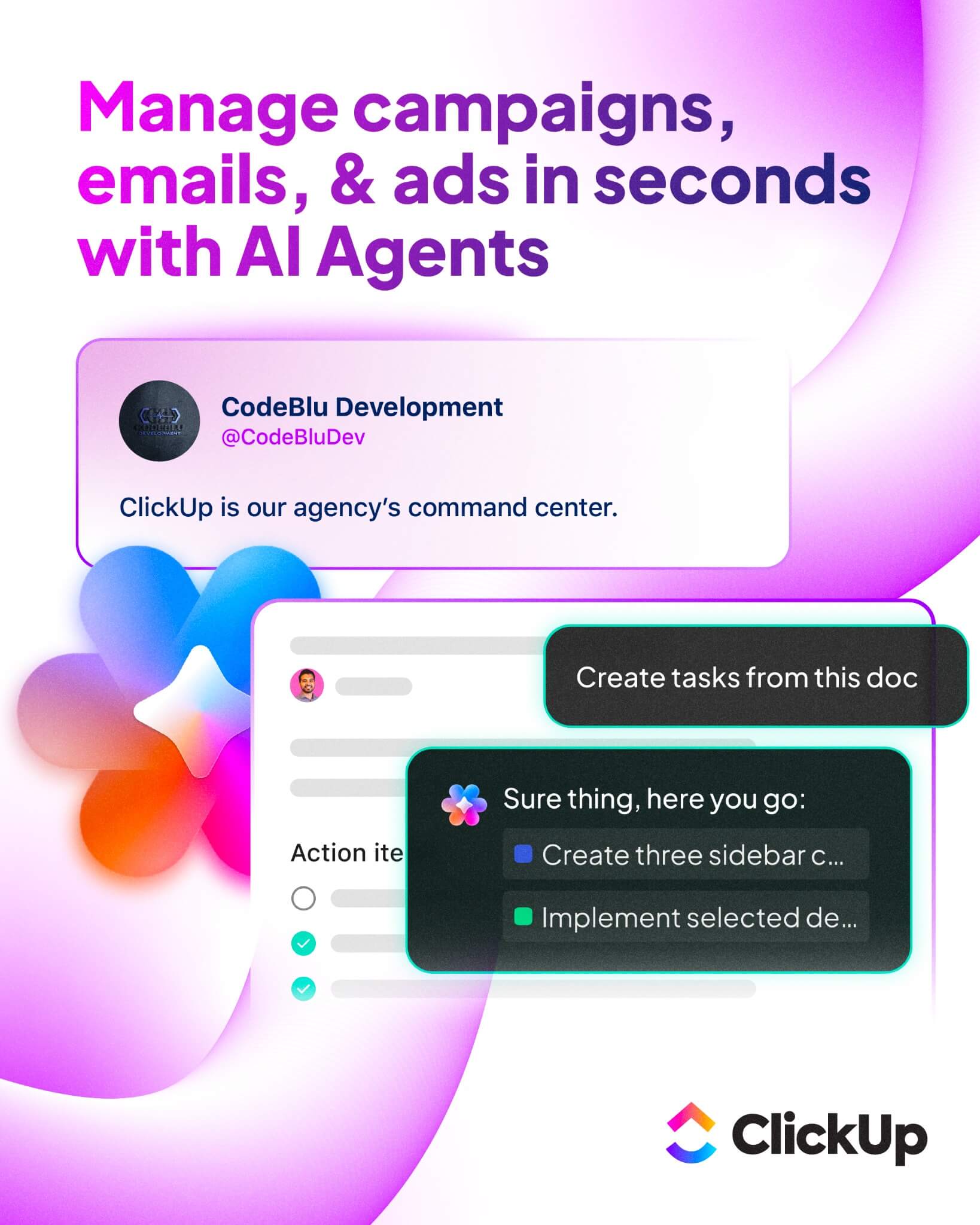
This can be adapted for educational project coordination.
Curriculum Planning and Tracking
Good planning is key for schools. ClickUp helps teachers make lesson plans and check on students. Here's how ClickUp helps with planning:
- Centralized Planning: Teachers can plan everything in one place. It's easy to change plans when needed.
- Task Assignment: Teachers can give tasks to students. They can see who's doing what.
- Resource Allocation: Schools can share resources well. Students get what they need.
Student Engagement and Communication
ClickUp also makes it easier for students, teachers, and parents to talk. It has special features for this:
- Discussion Boards: Students and teachers can talk easily. It helps everyone work together.
- Assignment Reminders: Reminders help students remember their work. They don't forget important dates.
- Progress Tracking: Teachers and parents can see how students are doing. They know who needs help.
ClickUp makes schools better places to learn. It helps with planning and talking. ClickUp is a big help for schools today.
ClickUp for Small Businesses
Small businesses need to stay organized. ClickUp is perfect for this. It has tools to help you run smoothly.
Small businesses have a lot to do with little help.
ClickUp lets you manage tasks and projects in one place. This makes you more productive and keeps everything on track.
If you're comparing options, this ClickUp vs competitors overview contrasts it with other tools.
It highlights unique features beneficial for small businesses.
This helps choose the right platform for growth.
Simplifying Workflow Automation
Automation is great for small businesses. It saves time and reduces mistakes. ClickUp lets you make workflows that do tasks for you.
- Automate Task Assignments: Tasks go to the right people at the right time.
- Customize Notifications: Keep your team updated with task news.
- Streamline Approval Processes: Make sure tasks and projects get checked and approved fast.
Automation cuts down on boring tasks. This lets your team do important work that grows your business.
Budget Tracking and Financial Management
Managing money is key for small businesses. ClickUp helps with this. You can:
- Track Expenses: Keep an eye on spending to stay on budget.
- Create Financial Reports: Get reports to help you make smart money choices.
- Manage Invoicing: Make invoicing easy to get paid on time.
Good money management is vital for small business success. ClickUp's tools help you control your money better and make more profit.
"ClickUp has been a lifesaver for our small business. It's helped us streamline our operations, automate repetitive tasks, and stay on top of our finances." -
Healthcare Industry Use Cases for ClickUp
ClickUp is changing healthcare by making patient care easier and following rules better. Healthcare is very complex, with many people involved and rules to follow. ClickUp makes this easier, making it a great choice for healthcare groups.
Patient Care Coordination
Good patient care planning is key in healthcare. ClickUp helps doctors and teams manage patient plans and talk to each other easily. You can:
- Create patient care plans that fit each person
- Give tasks to team members
- Keep track of how patients are doing and what treatments they get
- Make sure everyone is talking to each other well
Using ClickUp for patient care makes care better and safer. It helps avoid mistakes and makes patients happier.
Compliance and Reporting
Following rules is hard in healthcare. ClickUp makes it easier by being a place for all rules tasks and reports. You can:
- Keep track of when rules need to be followed
- Give tasks to team members
- Make reports easily
- Keep records of rule activities
ClickUp helps healthcare groups follow rules better. This means they can avoid problems and be ready for audits. It saves time and stress.
In short, ClickUp is a big help for healthcare. It makes care better and following rules easier. Healthcare groups can work better, care for patients more, and follow rules well.
ClickUp in the Nonprofit Sector
Managing fundraising and volunteers can be hard for nonprofits.

ClickUp makes it easier. It has great project management tools for nonprofits to work better and do more.
Streamlining Fundraising Campaigns
ClickUp makes fundraising easier for nonprofits. It's a one-stop place for planning, doing, and checking on campaigns. Here's how ClickUp helps with fundraising:
- Centralized Campaign Planning: Nonprofits can plan and organize campaigns in one spot. This makes it easier to work together and see how they're doing.
- Task Assignment and Tracking: Team members get tasks for the campaign. Their work can be watched in real-time. This keeps everything on track.
- Collaboration Tools: ClickUp's tools help teams work well together. They can share files and talk easily. This cuts down on mistakes.
Using ClickUp for fundraising helps nonprofits work better. They can reach their goals more easily.
Effective Volunteer Management
ClickUp also helps with volunteer management. It makes it easier to organize volunteers and get projects done on time.
Some benefits of using ClickUp for volunteers include:
- Scheduling and Coordination: ClickUp lets nonprofits schedule volunteers and track their work. This makes managing volunteers easier.
- Communication: ClickUp's tools keep volunteers informed. They get the info they need to do their jobs well.
- Recognition and Feedback: Nonprofits can thank volunteers and give feedback through ClickUp. This makes volunteers happy and productive.
By using ClickUp, nonprofits can manage volunteers better. This leads to more successful projects and a stronger volunteer group.
In short, ClickUp is a great tool for nonprofits. It helps with projects like fundraising and volunteer work. Nonprofits can work more efficiently, collaborate better, and reach their goals more easily with ClickUp.
Effective Use of ClickUp in E-commerce
In the fast world of e-commerce, managing tasks well is key. ClickUp helps a lot. It tackles challenges like inventory and customer happiness. This way, businesses can work better and faster.
Inventory and Order Management
Keeping track of inventory and orders is very important. ClickUp makes it easier. You can:
- Create and assign tasks for inventory and orders
- Watch inventory levels live
- Remember when stock is low or orders are due
- Work with your team to process orders fast
Using ClickUp for these tasks helps e-commerce businesses. They can cut down on mistakes, make customers happier, and work more efficiently.
Customer Relationship Management
It's important to have good relationships with customers. ClickUp helps with this. You can:
- Keep all customer info in one spot
- Follow customer feedback to get better
- Make special marketing for each customer
- Give tasks to team members to talk to customers
ClickUp makes it easier to keep customers happy. This leads to more loyal customers and more business.
In short, ClickUp is great for e-commerce. It helps with inventory, orders, and customer care. By using ClickUp, businesses can work better, grow, and succeed.
ClickUp for Remote Work and Distributed Teams
As the world moves towards remote work, tools like ClickUp are key. They help manage teams from far away. ClickUp keeps teams organized, working together, and productive.
Facilitating Virtual Collaboration
ClickUp's chat lets team members talk right away, no matter where they are. This makes working together smooth and everyone is in sync.
- Instant Communication: ClickUp's chat lets teams talk about tasks and projects right away. It boosts teamwork.
- File Sharing: Team members can share files in the chat. This makes working on documents and projects easier.
Time Zone Management and Scheduling
Managing schedules is hard for teams in different time zones. ClickUp's calendar and scheduling help plan tasks for each time zone. This makes work flow better.
With ClickUp, remote teams can improve their teamwork. They can finish projects well, no matter where they are.
Conclusion: Maximizing ClickUp's Potential Across Sectors
ClickUp is a tool that works well in many industries.
It's great for construction, marketing, software development, and education.
Its flexibility makes it a top choice for many businesses.
We've talked about how ClickUp helps teams work better together.
It makes managing tasks easier and boosts productivity.
No matter the project, ClickUp's features can help.
ClickUp is used in many fields, like healthcare and e-commerce.
It helps with workflow, budget tracking, and team collaboration. It's a key tool for businesses and teams.
Using ClickUp can help your team work better and achieve more.
Its easy-to-use design and strong features are changing how we work. It's a game-changer for teams.

Address
c/o Postflex #586
Emsdettener Straße 10
48268 Greven
Germany

If you click on them and make a purchase, I may receive a small commission.
The price remains exactly the same for you. Thank you for your support!